
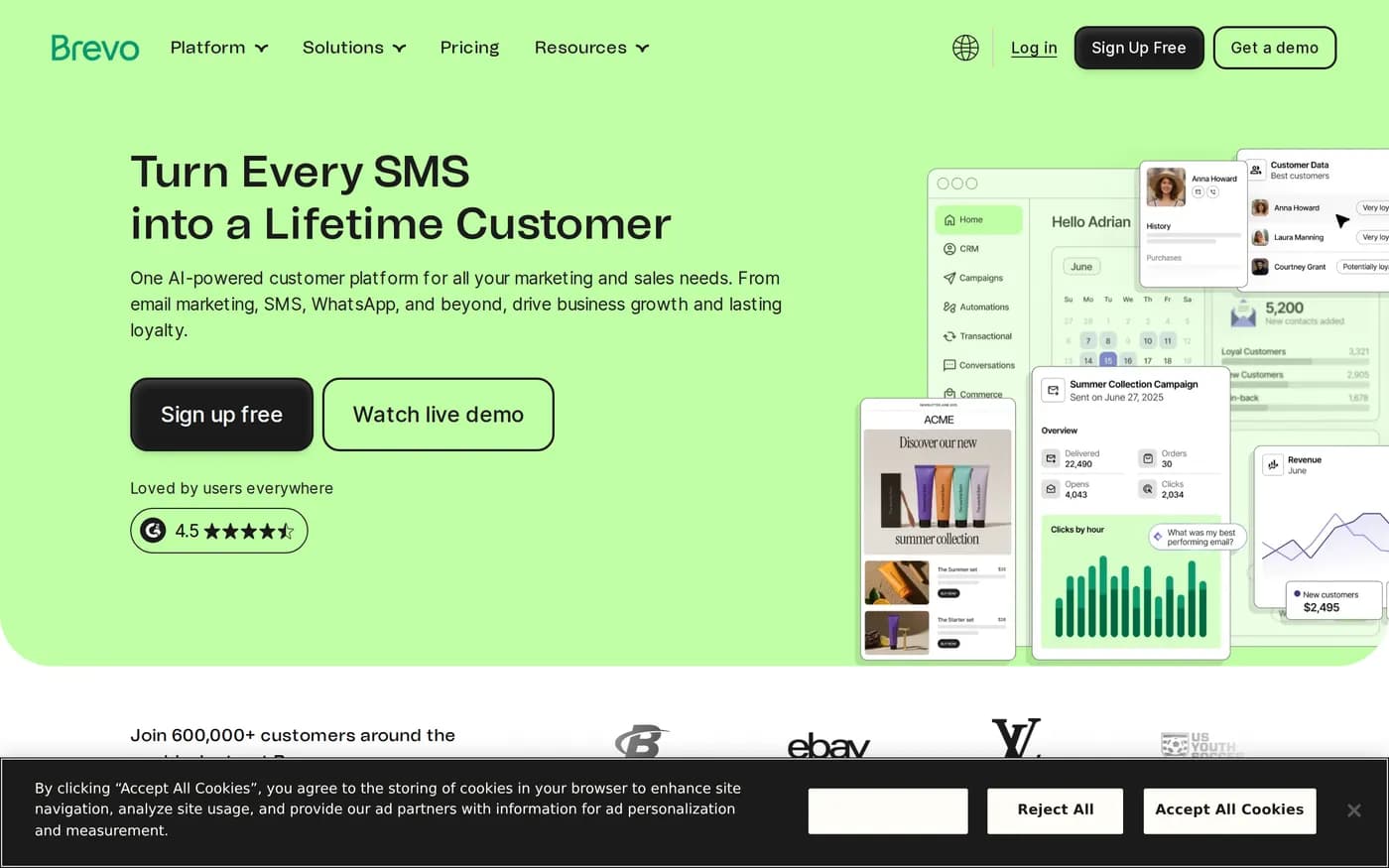
Read the Mailchimp review in this section first and this one becomes short, because Brevo's entire competitive position is a single pricing decision made the other way round.
Sends, not contacts
Brevo charges for emails you send. Contacts are stored for free. That has three consequences that compound:
A 60,000-address list you email twice a month costs the same as a 6,000-address list you email twenty times.
Dormant contacts cost nothing to keep, so list cleaning becomes a deliverability decision instead of a budget decision.
Your bill tracks activity, which is the thing you control, rather than accumulation, which is the thing you do not.
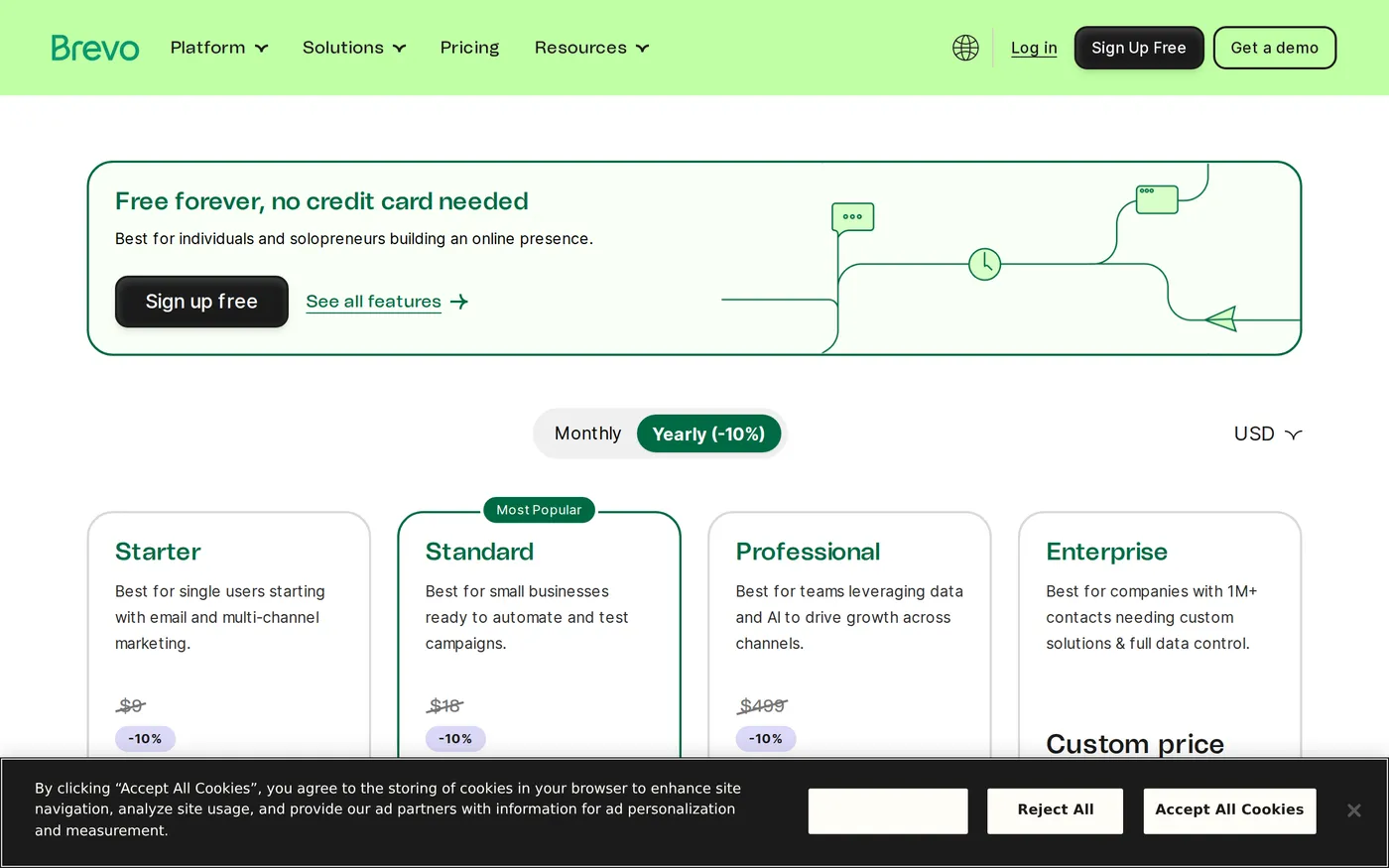
Concretely: paid Starter plans begin at $9 a month for 5,000 emails, run through roughly $19 for 20,000, and reach about $69 for 100,000 emails a month. A Mailchimp account with a comparable list on a comparable schedule will typically cost several times that, because it is pricing a different variable.
The add-on that spoils it
On Starter, Brevo's own logo appears in your emails. Removing it is an add-on at roughly $10.80 a month.
Put that against the $9 base price and the cheapest tier more than doubles the moment you want your marketing email to look like it came from you. That is not a rounding error, it is the difference between the advertised price and the usable price, and it is exactly the kind of thing this publication exists to point out.
There is an argument that free and near-free tiers should carry vendor branding. There is no good argument for charging more to remove it than the plan itself costs. Budget $19.80 as Starter's real entry price, at which point Business at $18 for the same volume becomes the obvious choice — which is presumably the intent.
What Business adds
Business starts around $18 a month at the 5,000-email band with one marketing user and one landing page. Over Starter it adds the landing-page editor, A/B testing, unlimited marketing automation, Facebook ads integration, advanced reporting, chat and phone support.
Unlimited automation is the real item. Most competitors meter flows or steps; Brevo does not at this tier. For a lifecycle programme with a dozen branching journeys, that removes a constraint you would otherwise be designing around.
Transactional email, which is the underrated part
Brevo sends transactional mail — receipts, password resets, order confirmations — from the same account through SMTP or API. Most companies run a separate vendor for that and a separate bill for it. Consolidating is not only cheaper, it means your marketing and transactional sending share a reputation and a suppression list, which prevents the specific failure mode where someone who unsubscribed from marketing stops receiving their invoices.
Where it is weaker
The editor. It works, it produces correct email, and it is noticeably less pleasant than Mailchimp's. Drag-and-drop behaviour is fussier, the template library is smaller and less current, and building something visually ambitious takes longer. If your marketing team has strong opinions about design, expect friction in week one.
Reporting. Opens, clicks, bounces, unsubscribes, per-campaign and per-flow — all present, all adequate. Cohort analysis, revenue attribution and the segmentation depth that Klaviyo brings to commerce are not. Brevo tells you what happened; it is less good at telling you why.
The free plan's daily send cap also deserves a warning: it makes Brevo's free tier a place to test the interface rather than to run a real campaign. Treat the paid Starter tier as the entry point.
Who should buy it
Anyone with a big list and a modest schedule. This is the case Brevo was built for and it wins it outright.
Companies sending both marketing and transactional mail. One vendor, one reputation, one suppression list.
Teams leaving Mailchimp on cost. Model your actual monthly send volume, not your contact count, and the comparison usually settles itself.
Who should not: commerce businesses whose revenue depends on behavioural segmentation, and teams whose email is a design artefact. Both will be happier paying more elsewhere.
Verdict
7.7. Brevo gets the fundamental pricing question right and then charges you eleven dollars to remove its own logo, which is a strange way to treat the customers its pricing attracted.
Start on Business rather than Starter — once the branding add-on is priced in, the gap is small and the automation is unlimited. Current bands are on Brevo's pricing page; set the volume slider to your real monthly send before comparing with anything else.
Softmarque is not paid by the products it reviews. Prices and plan names were taken from the vendor’s own pricing page on the date shown above and change often; nothing here is financial, legal or accounting advice.