

Mailchimp was the default answer to "what should we send email with" for about a decade. It is no longer the default, and the reason is not the product. It is the meter.
How Mailchimp decides what to charge you
Almost every other email platform in this category charges on one of two things: how many people are on your list, or how many emails you send. Mailchimp charges on the first and then derives the second from it.
Free — up to 250 contacts, with a hard cap of 500 sends a month or 250 a day. One audience, one seat.
Essentials — from
$13a month, monthly send allowance of10×your contact count, three audiences, two roles, up to four steps per flow.Standard — from
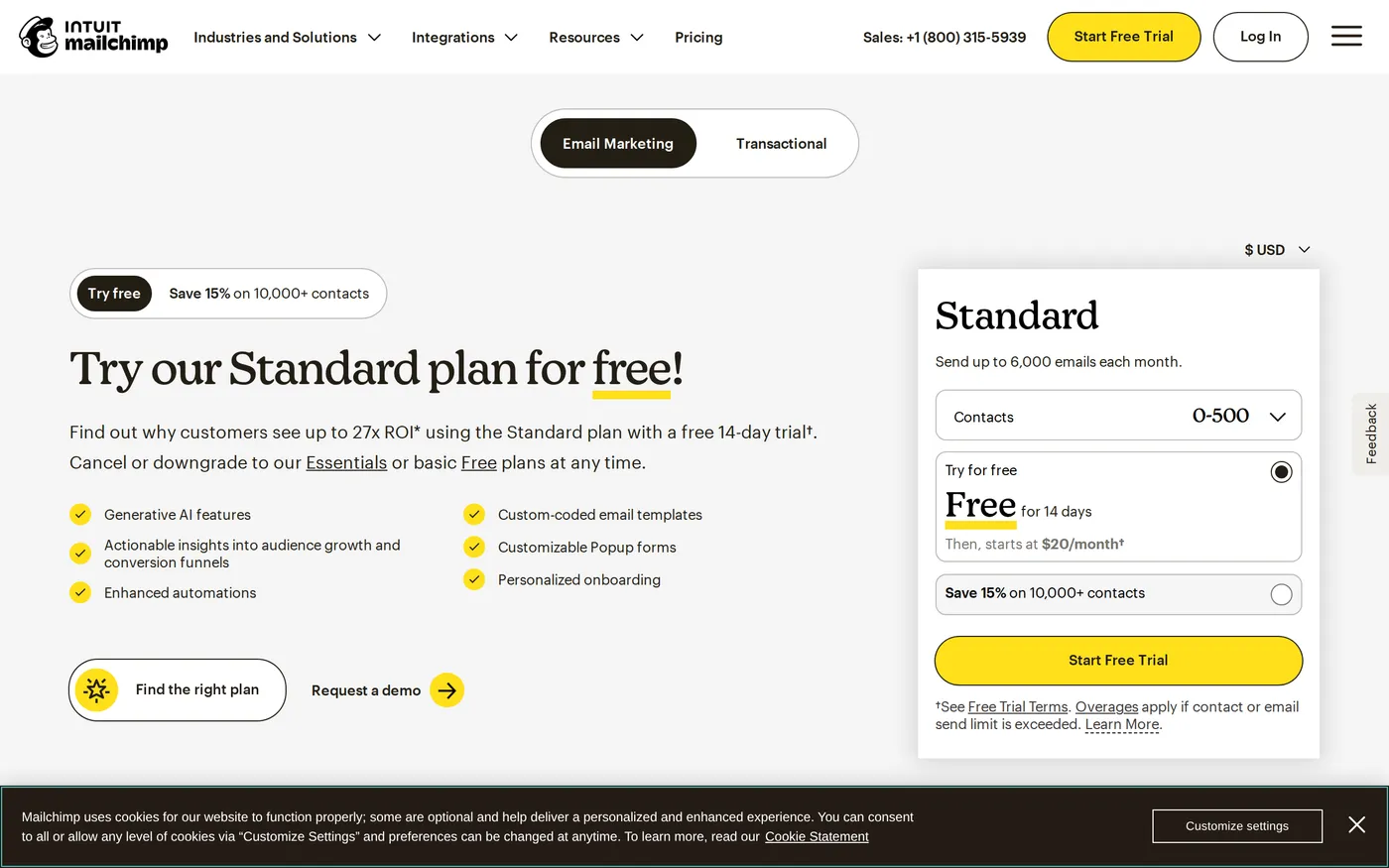
$20a month,12×contacts in sends, up to 200 flows, custom-coded templates, five seats.Premium — from
$350a month, up to 150,000 sends a month, phone support, predictive segmentation, five roles.
The paid tiers are contact-banded — the quoted entry prices apply at the bottom band and climb through 501–1,500 contacts and upward to 1,000,000 and beyond. A 15% discount is available above 10,000 contacts, and above 250,000 you are talking to sales.
The multiplier is the problem
A 10× send allowance sounds generous until you run a weekly newsletter. Four sends a month to your whole list is 4× — comfortable. Add a welcome sequence, a re-engagement flow, an abandoned-cart series and two product announcements, and a moderately active programme lands between 8× and 12× without anybody behaving unreasonably.
At that point Essentials is not viable and you move to Standard, which moves you to 12×, which buys you a little more headroom for the same behaviour. The allowance is not a dial you set to match your strategy; it is a number derived from a different number.
The contacts you are paying for but not emailing
Mailchimp's contact count historically includes people who are not subscribed — unsubscribes, cleaned addresses and non-subscribed contacts captured through forms and integrations. The consequence is straightforward: a list that has churned through five years of marketing costs more to keep than it is worth, and nobody notices because the bill goes up slowly.
If you have been on Mailchimp for more than two years and have never archived a contact, there is a decent chance a third of your bill is for people who will never open anything you send.
Archiving inactive contacts is the single most effective thing a long-time Mailchimp customer can do, and it is a manual chore the product does not nudge you toward. That is a defensible commercial choice and a poor customer one.
What is still good
The campaign editor. It remains the most approachable in this category — a marketing coordinator with no HTML can produce a competent email in half an hour, and the result renders correctly across the clients that matter. That is harder than it looks and Mailchimp has fifteen years of accumulated edge cases behind it.
Deliverability. Mailchimp's sending reputation is well managed and its compliance tooling is mature. You are unlikely to have an inbox-placement crisis that is Mailchimp's fault. For a business where email is revenue, that boring reliability has real value.
Integrations. The catalogue is vast and the popular connectors — commerce platforms, CRMs, forms, events — are maintained rather than abandoned.

The Premium step
Standard to Premium is $20 to $350 at the entry band. Even accounting for the fact that Premium customers are on much larger contact bands by the time they get there, it is the widest tier gap in this review outside HubSpot's. What you get is phone support, predictive segmentation, more roles and a migration service. What most people actually want from it is phone support, which is an expensive way to buy a phone number.
Alternatives, concretely
Brevo starts at $9 a month for 5,000 emails and bills on sends rather than contacts, which suits anyone with a large but sleepy list. For commerce-led email, Klaviyo's segmentation is in a different class. For simple newsletters, several cheaper tools now do the 80% that most senders use.
The case for staying is straightforward and narrow: your list is small and stable, or you are already inside Intuit's ecosystem and value the joins, or your team knows the editor and retraining costs more than the difference.
Verdict
6.8. This is not a bad product — it is a good product with pricing designed for a market that no longer exists, in which email tools were scarce and switching was hard.
If you are starting now, price Brevo first. If you are already here, archive your inactive contacts this week, then work out what you would pay elsewhere for the volume you actually send. Current bands are on Mailchimp's pricing page; move the contact slider to your real list size before comparing anything.
Softmarque is not paid by the products it reviews. Prices and plan names were taken from the vendor’s own pricing page on the date shown above and change often; nothing here is financial, legal or accounting advice.