
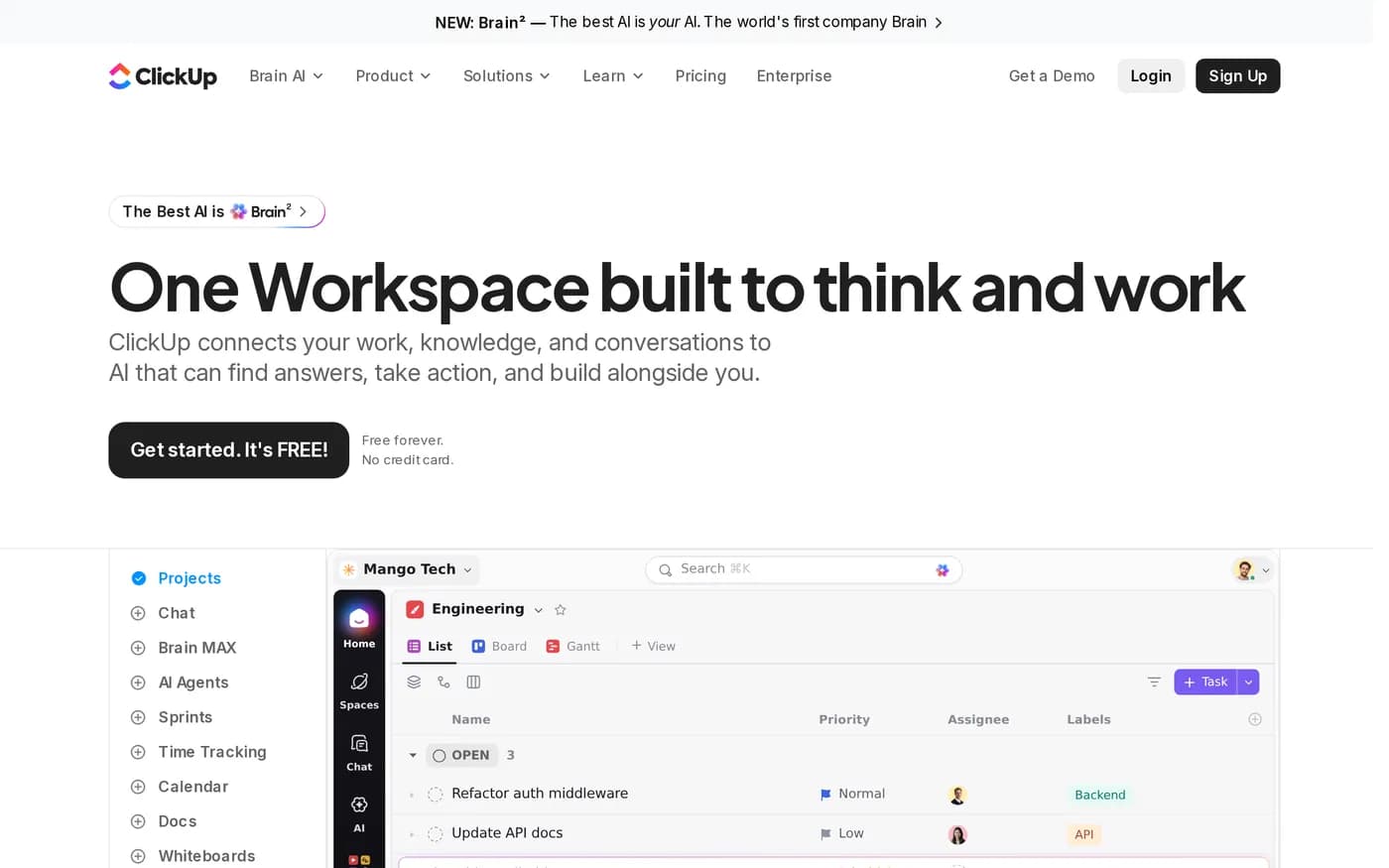
ClickUp is the best-value product in this category on the day you buy it and one of the more expensive on the day you have to fix it. Both statements are true and most reviews only publish the first.

The value case, which is real
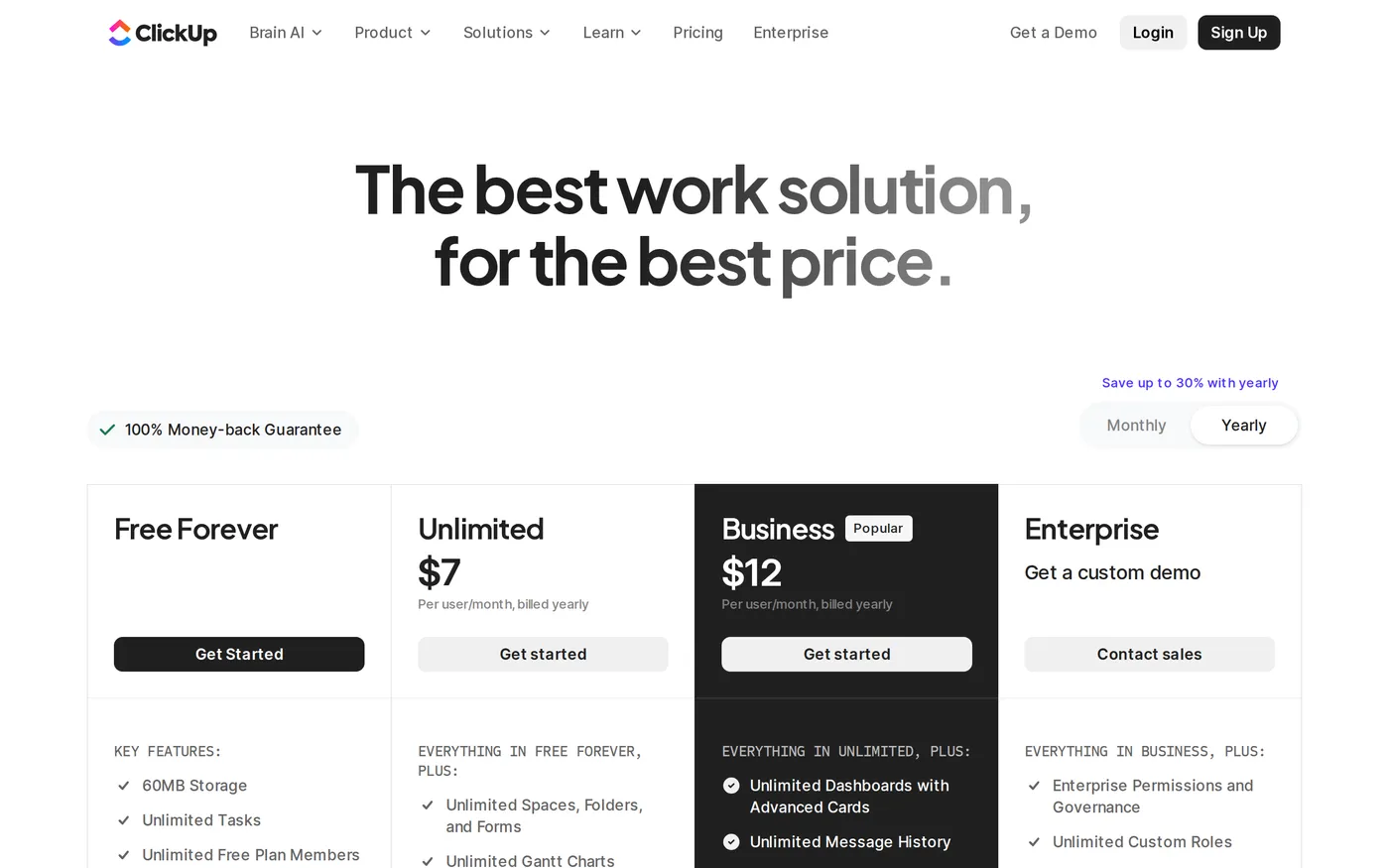
Take the Unlimited plan at $7 per user per month on annual billing ($10 monthly) and list what is included:
Unlimited storage — not a tiered allowance, unlimited
Unlimited Gantt charts, spaces, folders and forms
Unlimited integrations
Native time tracking
Goals and portfolio management
Asana charges $10.99 for a feature set that omits time tracking and goals entirely. Monday's comparable tier is more expensive again. On a spreadsheet, ClickUp wins the category outright and it is not close.
The free tier deserves mention too. Unlimited tasks, unlimited free-plan members, Kanban boards, calendar view, basic custom fields, one form, 60MB of storage. That is a functioning product for a five-person team, which is more than Asana's two-seat Personal plan can claim.
Business, and the automation ceiling
Business is $12 per user per month annually, $19 monthly. It adds unlimited dashboards with advanced cards, unlimited message history, mind mapping, private whiteboards, advanced reporting — and 5,000 automations per month.
That number is the one to watch. An automation in ClickUp fires per event, not per workflow, and a single well-meaning rule applied to a busy space can burn through the monthly allowance in a fortnight. Enterprise raises the ceiling to 250,000, which tells you roughly what the vendor expects real usage to look like and where they expect you to end up.
The entropy problem
ClickUp's design philosophy is that you should be able to model your work however you like. Workspace, Space, Folder, List, Task, Subtask, Checklist — plus custom statuses per space, custom fields per list, and multiple view types on everything. Nothing is imposed.
In a small team with one opinionated admin this is liberating. In a company of eighty people where four departments onboarded independently, here is what you find eighteen months later:
Three different meanings for the status
Reviewdepending on which space you are in.Two parallel hierarchies for the same client, created by sales and by delivery.
Custom fields named
Owner,AssigneeandDRIthat all mean the same thing.A dashboard nobody trusts, because it aggregates across those inconsistencies.
None of this is a bug. It is the direct consequence of the flexibility that made ClickUp cheap to adopt. Asana avoids it by giving you fewer choices. The honest framing is that ClickUp defers configuration cost rather than removing it, and the deferred bill is paid by whoever inherits the workspace.
What good governance looks like here
The teams that succeed with ClickUp do three unglamorous things: they fix the status set at the workspace level before anyone else joins, they forbid folder creation outside a named group, and they review custom fields quarterly. If nobody in your organisation will own that, budget for the cleanup or buy something more opinionated.
AI is a separate bill
This is the pricing detail most comparisons miss. ClickUp's AI is not bundled into the work management tiers; it is sold as its own per-user plan on top. Brain is $9 per user per month for the assistant, the @Brain agent and 1,500 AI Super Credits. Everything AI is $28 per user per month and adds the AI notetaker, image generation, ambient answers and 5,000 credits.
So a Business seat with Everything AI is $40 per user per month, not $12. That is Asana Advanced territory, and it is a number you should put in the spreadsheet before the procurement conversation rather than after it.
Performance
ClickUp has improved substantially — the rebuilt front end is a different product from the sluggish one people complained about years ago. It is still the case that a list with several thousand tasks, many custom fields and a saved Gantt view takes noticeably longer to paint than the equivalent in Asana or Linear. If your unit of work is small and numerous, test with realistic volume during the trial rather than with twenty demo tasks.
Verdict
ClickUp earns its score on value and loses points on the cost it hides. If you are a twenty-person company where one person genuinely enjoys configuring tools, ClickUp at $7 a seat is the most software you can buy for the money in this entire category and you should buy it.
If you are an eighty-person company with no tooling owner, you will save money on the invoice and spend it twice over on the cleanup. Buy Asana. Current plan details are on ClickUp's pricing page; read the AI plans as a separate line item, because that is what they are.
Softmarque is not paid by the products it reviews. Prices and plan names were taken from the vendor’s own pricing page on the date shown above and change often; nothing here is financial, legal or accounting advice.